DOCUMENTATION
How infusedpath studio works
Everything you need to know about browsing templates, downloading source code, submitting your own work and earning creator badges.
Getting started
infusedpath studio is a marketplace of website templates that ship with their full source code. Every template is built to work with the AI tools you already use — Lovable, v0, Bolt, Cursor, Claude and more — so you can go from a design you like to a running site in minutes.
You can browse everything without an account. You only need to sign up when you want to save templates, submit your own work, or collect creator badges.
 Lovable
 v0
 Bolt
 Cursor
 Claude
 ChatGPT
 Gemini
 VS Code
Browsing the catalog
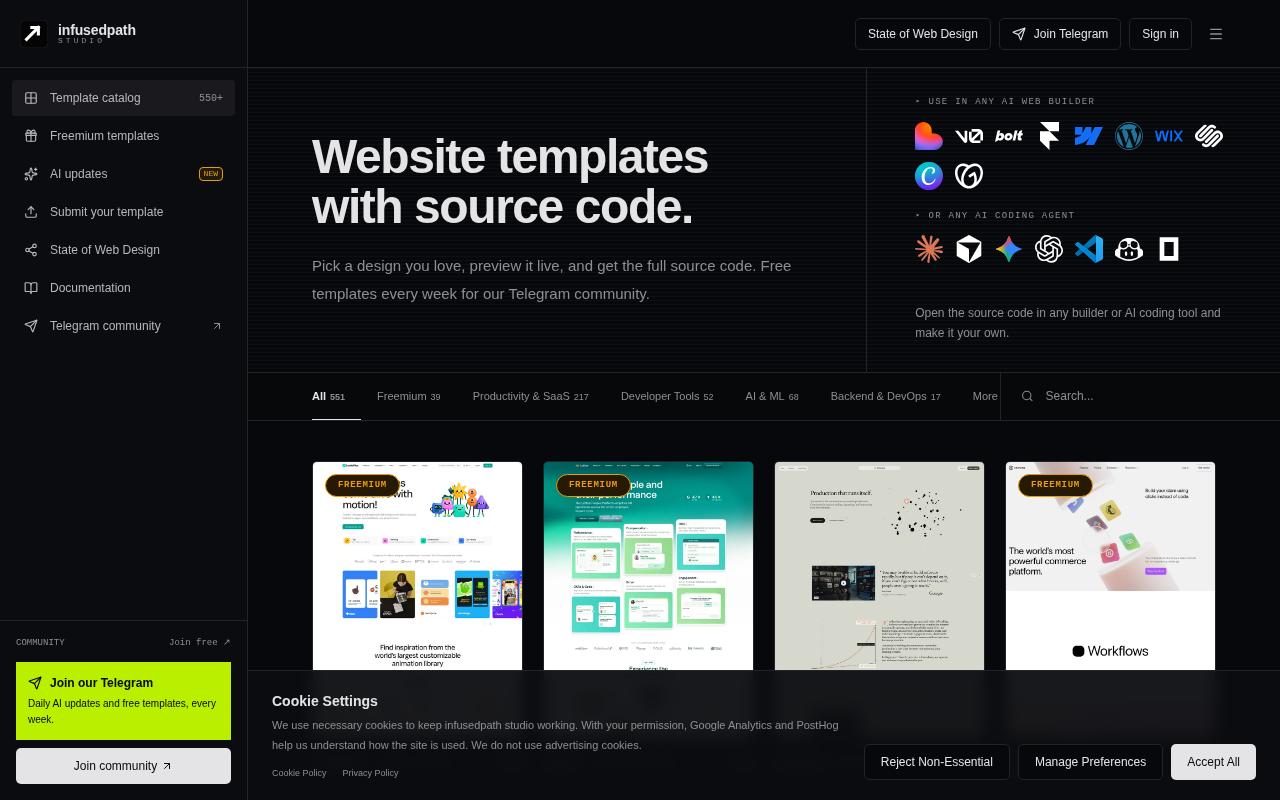
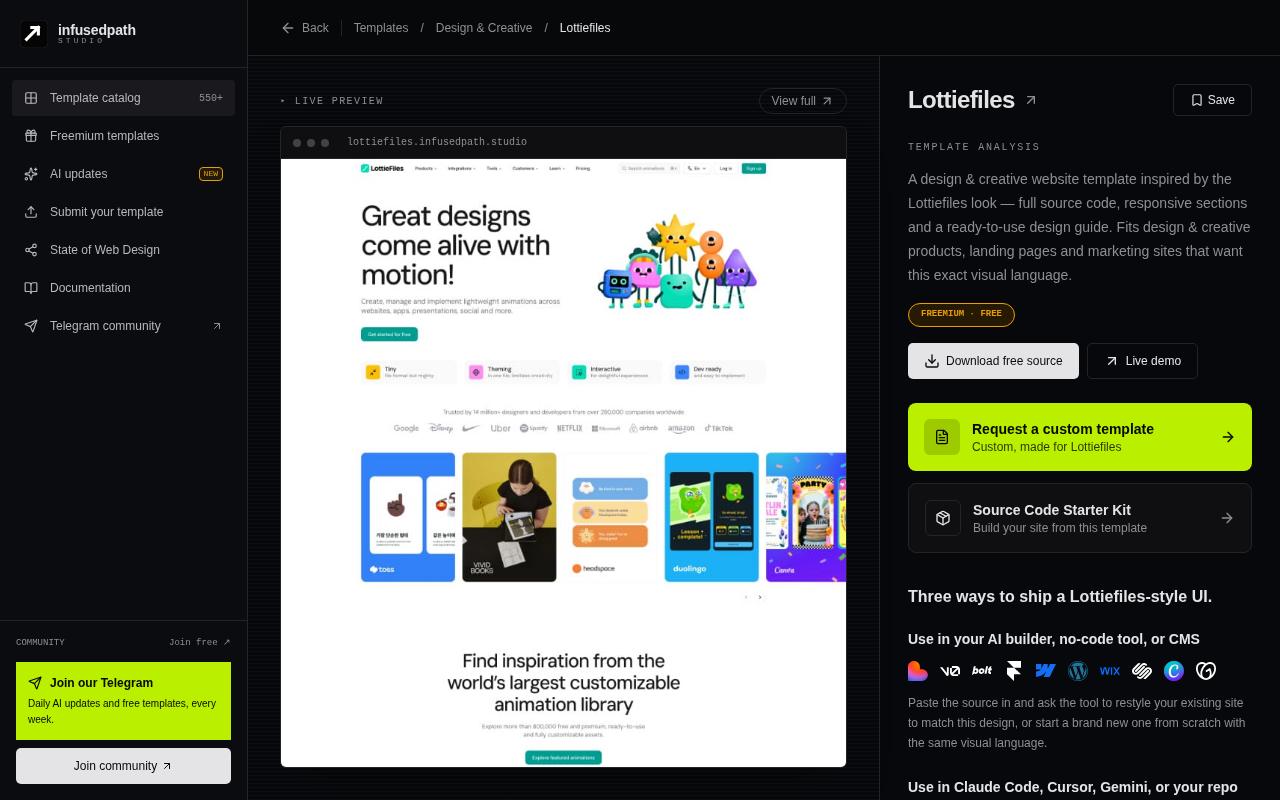
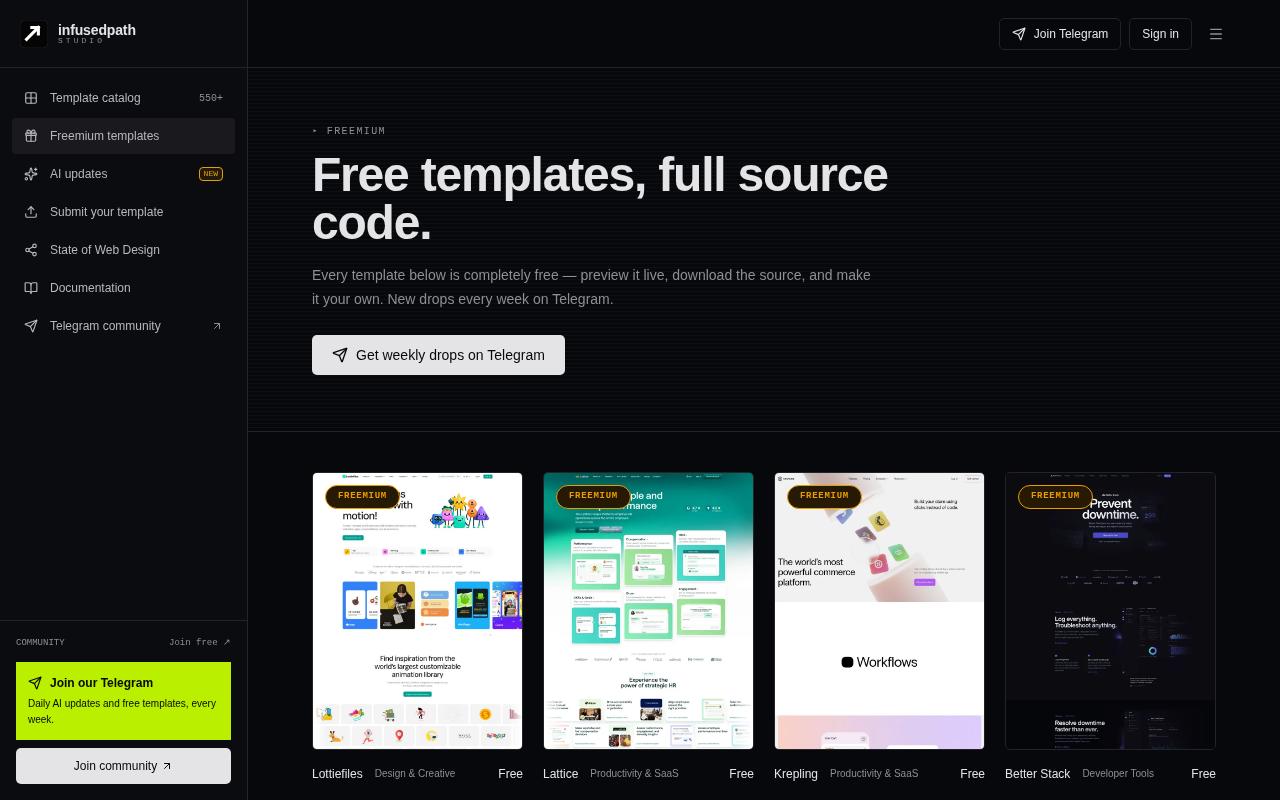
The template catalog lists every template on the platform. Use the search bar to find templates by name, or filter by category. Click any card to open its detail page, where you'll find a live preview, the color palette, the tools it was built with, and related templates.
Tokens & pricing
Every template is unlocked with tokens. Official templates cost between 5 and 10 tokens; creator templates use the price their creator sets (1–1000 tokens). An unlock is one-time — once a template is yours, it stays yours.
Tokens: every account gets 10 free tokens each month (they reset monthly). Buy more on the Pricing page — Starter $5 (60 tokens), Pro $25 (350 tokens) or any custom amount from $5 — paid securely with Razorpay. Purchased tokens never expire. Your balance is always shown in the header, and a receipt is emailed after every verified payment.
Creators (DevAI) earn 70% of every unlock of their templates. Add a UPI ID, PayPal email or bank account under Profile → Earnings and withdraw once you reach the minimum of $10. Payouts are sent manually on the 2nd of every month and you get an email when it's paid. For custom work, buyers contact the creator directly by email or portfolio — the platform takes no fee.
Downloading source code
Live demos are open to everyone. After you unlock a template, its page shows a Download ZIP button. Each download uses a short, random private link that works only for your account and expires after one hour — if it expires, just press the button again for a fresh one. Source files are kept in private storage and are never visible to people who haven't unlocked the template.
Use with AI
After unlocking, the Use with AI card gives you a ready command — npx shadcn@latest add https://studio.infusedpath.in/… — to pull the template into your project, plus one-click buttons for Lovable, v0, ChatGPT, Google AI Studio, Claude Code, Cursor, Gemini and Emergent.
- The command link is private to you and expires; sharing it gives nobody else access.
- Locked templates and design-only templates don't show AI options.
Accounts & profiles
- 1
Sign up
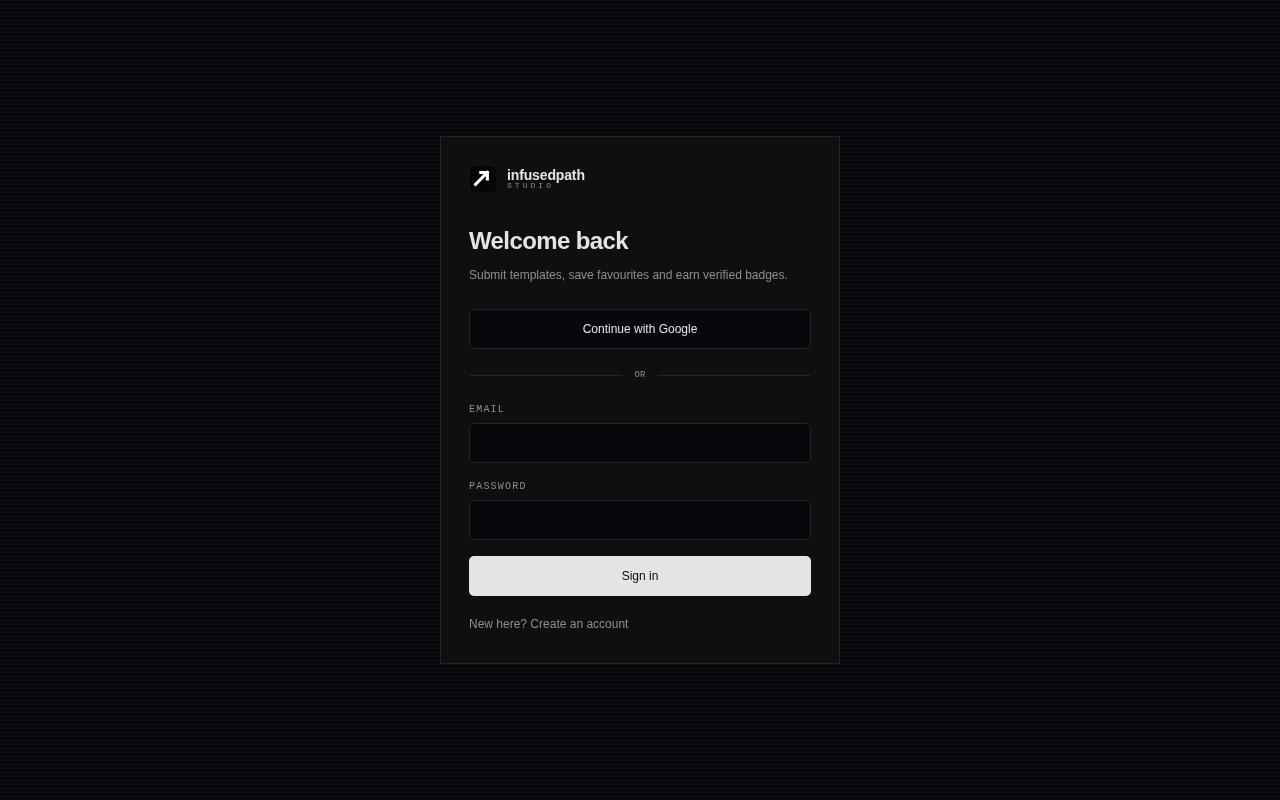
Create an account with your email or Google. New accounts confirm their email before signing in.
- 2
Complete your profile
Add your name, username, photo, country, LinkedIn and website. Your username becomes your public creator URL.
- 3
Use your dashboard
Your profile page has tabs for your details, submissions, badges and saved templates.
Saving templates
Every template page has a Save button. Signed-in users can bookmark templates and find them later under the Saved tab on their profile. If you're signed out, the button takes you to the sign-in page first.
Submitting your work
Creators can sell or give away their own templates. From your profile, open the Submit work tab and fill in:
- Template name, description and category
- The tools you used (no domain or live link needed — we host it for you)
- Screenshots of the design
- Your token price (1–1000 tokens)
- Delivery: upload a ZIP of your website files, link a public GitHub repo, or submit the design only
You can edit your template's name, description, category, stack and price any time from Profile → Templates → Edit template, before or after it's published. To replace the code itself, send a new submission so the team can review it.
Review & approval
Every submission is reviewed by the infusedpath team before it goes live. You'll see its status on your profile: Pending, Approved or Rejected with a note explaining what to fix. When a ZIP or GitHub submission is approved, we automatically host it at your-template-name.infusedpath.in. Hosted sites run separately from the main platform, so they can't affect it. Keep ZIPs under 25 MB and leave out node_modules. Your ZIP is kept in private storage so buyers can download it. To take it down, press Unpublish website: the site goes offline and is hidden from everyone except admins.
Approved templates appear in the single catalog alongside official ones, ranked by likes. Signed-in members can like templates and privately report issues under each template — reports are visible only to the reporter, the creator and admins. Creators find them under Profile → Templates → "Issue reports on my templates".
Creator badges
Badges are awarded automatically for milestones: First Sale and 100 Likes on a single template. Each badge has a unique credential ID and a public verification page, and you get an email when it's awarded. From the Badges tab you can add it to LinkedIn as a certification in one click. You'll also get emails when your template sells and for every 10 likes.
Public creator pages
Every creator gets a public page at /creator/your-username showing their details, badges and published templates. Link it from your LinkedIn, portfolio or social profiles — it's your living proof of work on the platform.
Telegram community
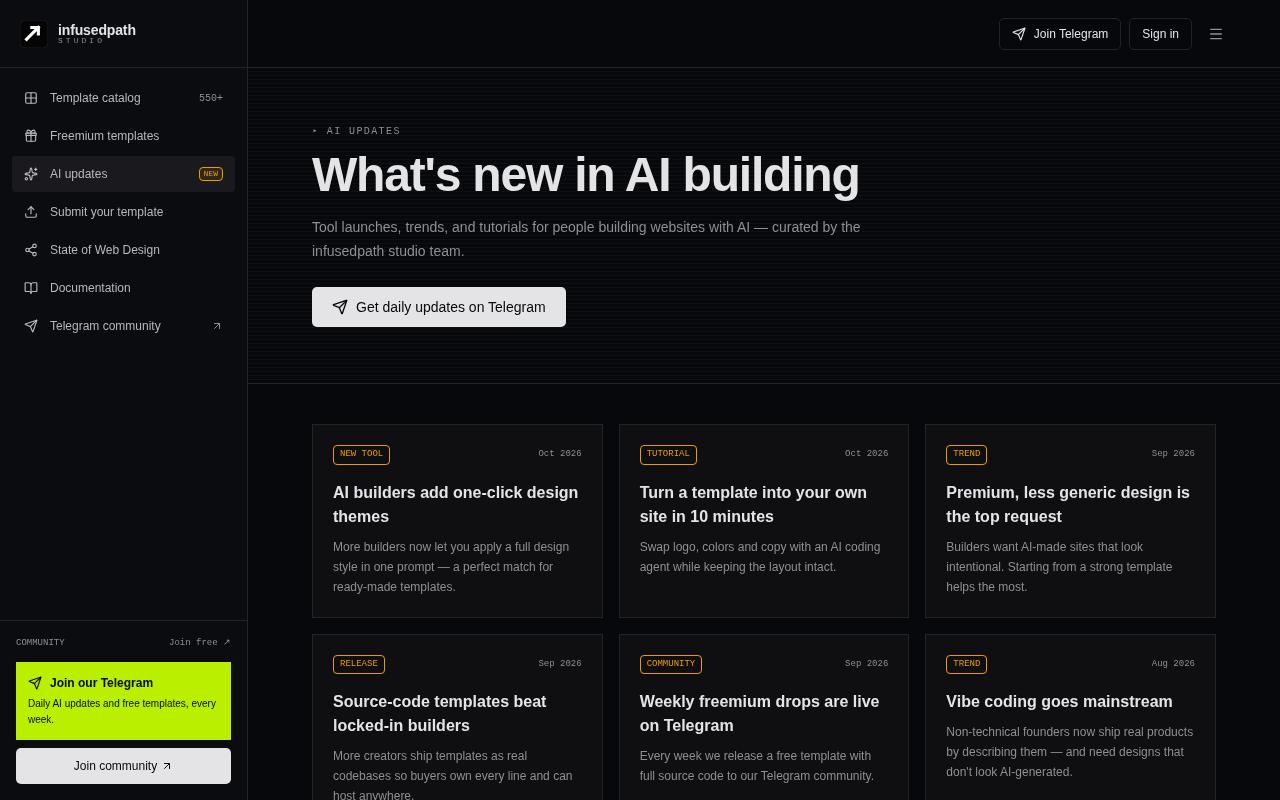
Join the Telegram community for daily AI updates and new template drops. The AI updates page mirrors the biggest news on the site. Follow us on LinkedIn for launches and creator highlights.
FAQ
Do I need an account?
You can browse and open live demos freely. Sign in to like, save, unlock, report issues or submit.
What do I get with a template?
The full source code as a ZIP, an npx command, and one-click handoff to AI tools.
Can I use templates in client work?
Yes, templates can be used in personal and commercial projects. Reselling the template itself is not allowed.
How long does review take?
Most submissions are reviewed within a few days. You'll see the status and any notes on your profile.
How do I get a badge?
Automatically — make your first sale, or reach 100 likes on one template.
My download link expired — what now?
Links last one hour for security. Press Download again to get a fresh one.